
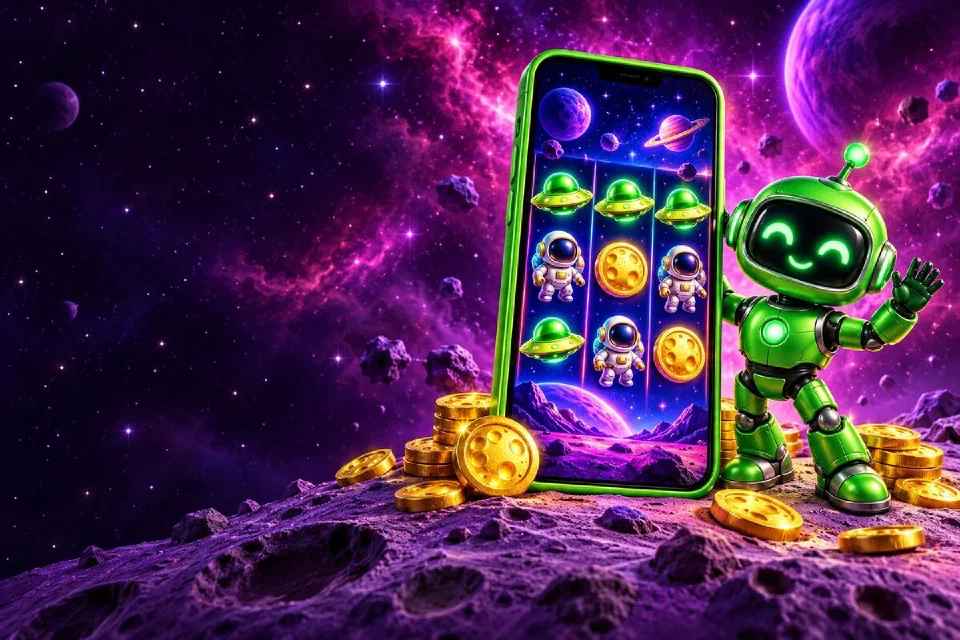
Setting up the app#
- Open the partner casino in Chrome on your Android phone.
- Tap the download prompt for the Android app.
- Open the downloaded file and confirm the install. Android may ask you to allow installs from Chrome once.
- Launch the app, sign in or register, and search for Cosmic Cash.
Playing on Android#
Turn the phone sideways for the classic layout with the jackpot plates on the left, or keep it upright and the reels move up with the controls underneath. The Buy Respins button and the bet menu work the same in both. Quick and turbo spin speeds keep autoplay sessions short.
Deposits on Android#
Google Pay is the fastest way to top up on Android: confirm with your screen lock and the balance updates. Cards such as Visa and wallets such as Skrill are in the same cashier.
Also on iPhone#
Switching phones, or playing on an iPad at home? The iPhone guide covers the Safari home-screen app, and your balance, bonuses and favourite stake carry over to it.